Home workout vs gym: a plan for wherever you train
By Raúl MedinaUpdated 6 min read
In the home workout vs gym debate, both work if your training is challenging and progresses over time. The gym makes adding weight easier; home makes consistency easier. The best option is the one you will actually show up to, with a plan built around the equipment you have there.
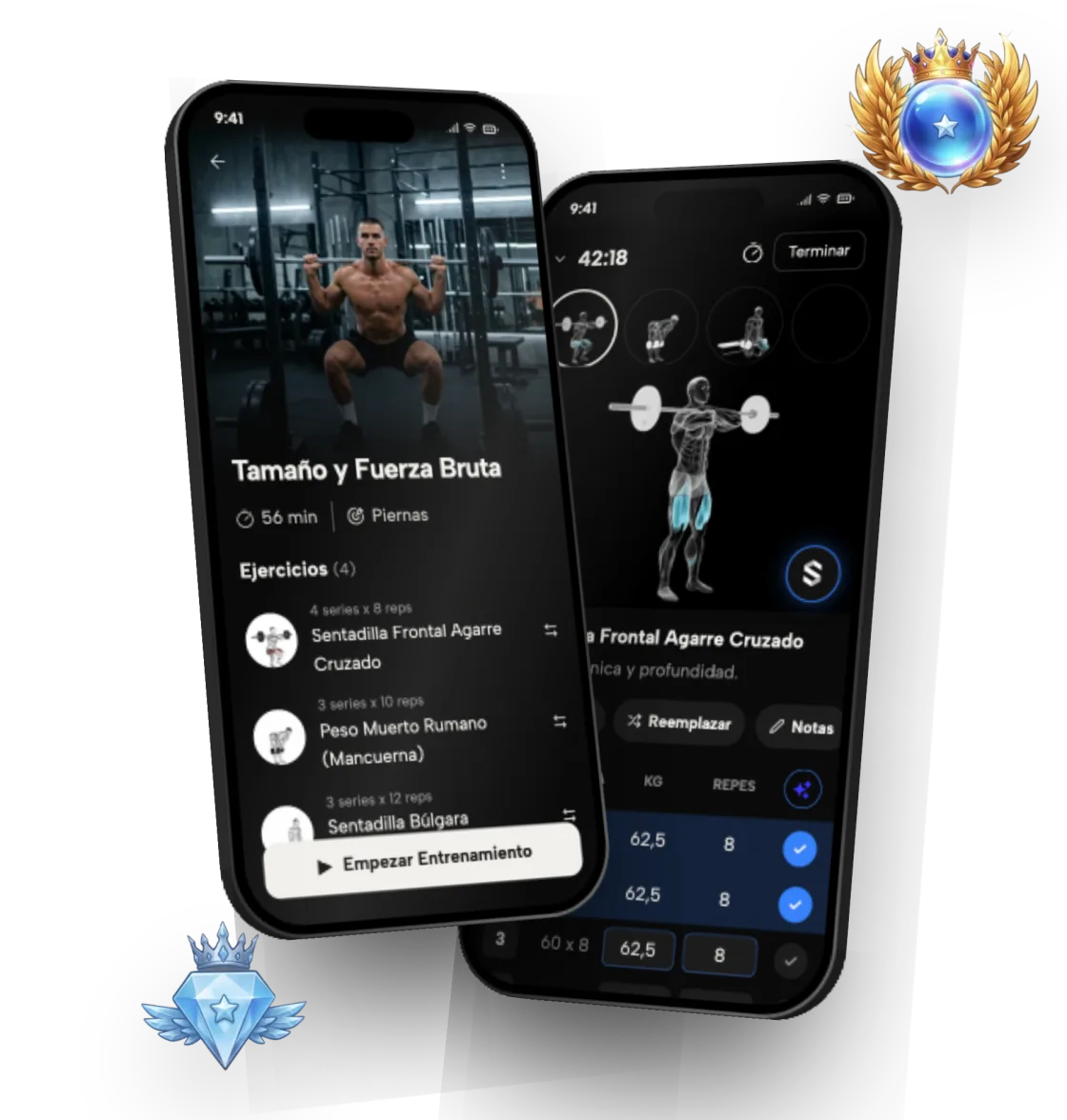
This guide compares the two, explains how to keep progressing with minimal equipment, and shows how Symmetry adapts your plan to home, the gym or a mix of both.
Table of contents
- 1Is it better to work out at home or at the gym?
- 2What are the pros of each?
- 3Can you build muscle working out at home?
- 4How do you apply progressive overload with light weights?
- 5What equipment do you need for a home workout?
- 6What does a solid gym workout plan look like?
- 7Can you mix home and gym workouts?
- 8How do you track progress wherever you train?
- 9How does Symmetry build your plan around where you train?
- 10What Symmetry adapts to your equipment
- 11The exercises, step by step
Is it better to work out at home or at the gym?
Neither is better for everyone. The gym makes progressive overload easier because you have more weight and more machines. At home you gain convenience and consistency, which for a lot of people is what counts most. You can make progress in either place if the plan is well put together.
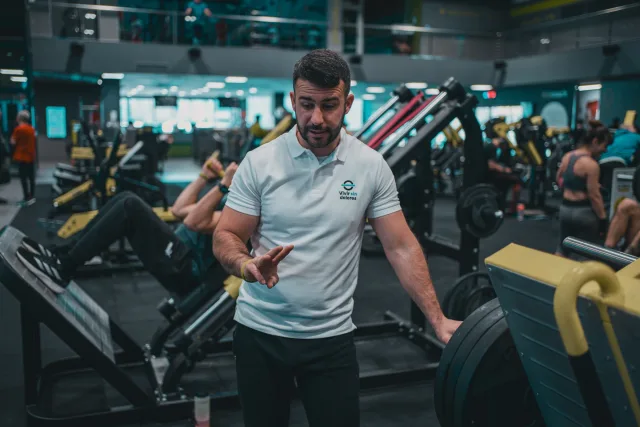
The useful question isn't which is better in theory, but which one you'll keep up three or four days a week for months. A decent plan you follow beats a perfect one you quit. Think about the time you really have, how long it takes to get to the gym, when you train and whether you enjoy the gym atmosphere or prefer to train alone. If you're unsure, start wherever is easiest for you and switch once the habit sticks.
What are the pros of each?
An honest summary to help you decide:
- Gym: more load available, machines and cables to isolate muscles, more exercise variety.
- Gym: easier to keep getting stronger over the long run, especially for legs and back.
- Home: no commute and no waiting for equipment; you train whenever you want.
- Home: easier to stay consistent if you are short on time or have a shifting schedule.
- Home: equipment is a one-time cost, though the weight you have eventually becomes the limit.
Can you build muscle working out at home?
Yes. Muscle responds to hard sets taken close to failure and to progression over time, not to the location. You can build muscle across a wide rep range, roughly 6 to 30 reps, as long as the last few reps are genuinely hard. That makes light dumbbells, bands or bodyweight workable.
The ceiling shows up when an exercise gets easy even at high reps. That is when you move to a harder variation or add equipment. Legs are where it shows most: without external load, single-leg variations are your best tool. Bulgarian split squats, lunges and single-leg Romanian deadlifts with dumbbells multiply the difficulty without needing more weight. For your back, a pull-up bar or bands cover almost everything.
How do you apply progressive overload with light weights?
When you can't add pounds, you progress by changing other variables. A practical order:
- 1. Add reps with the same weight until you hit the top of your rep range.
- 2. Add a set, staying within 10–20 sets per muscle per week.
- 3. Slow the tempo down, especially the lowering phase.
- 4. Move to a harder variation, for example from incline push-ups to regular push-ups, or from squats to Bulgarian split squats.
- 5. Shorten rest between sets only once the steps above have run out.
- 6. When you can, add equipment: a pair of adjustable dumbbells buys you a lot of room.
What equipment do you need for a home workout?
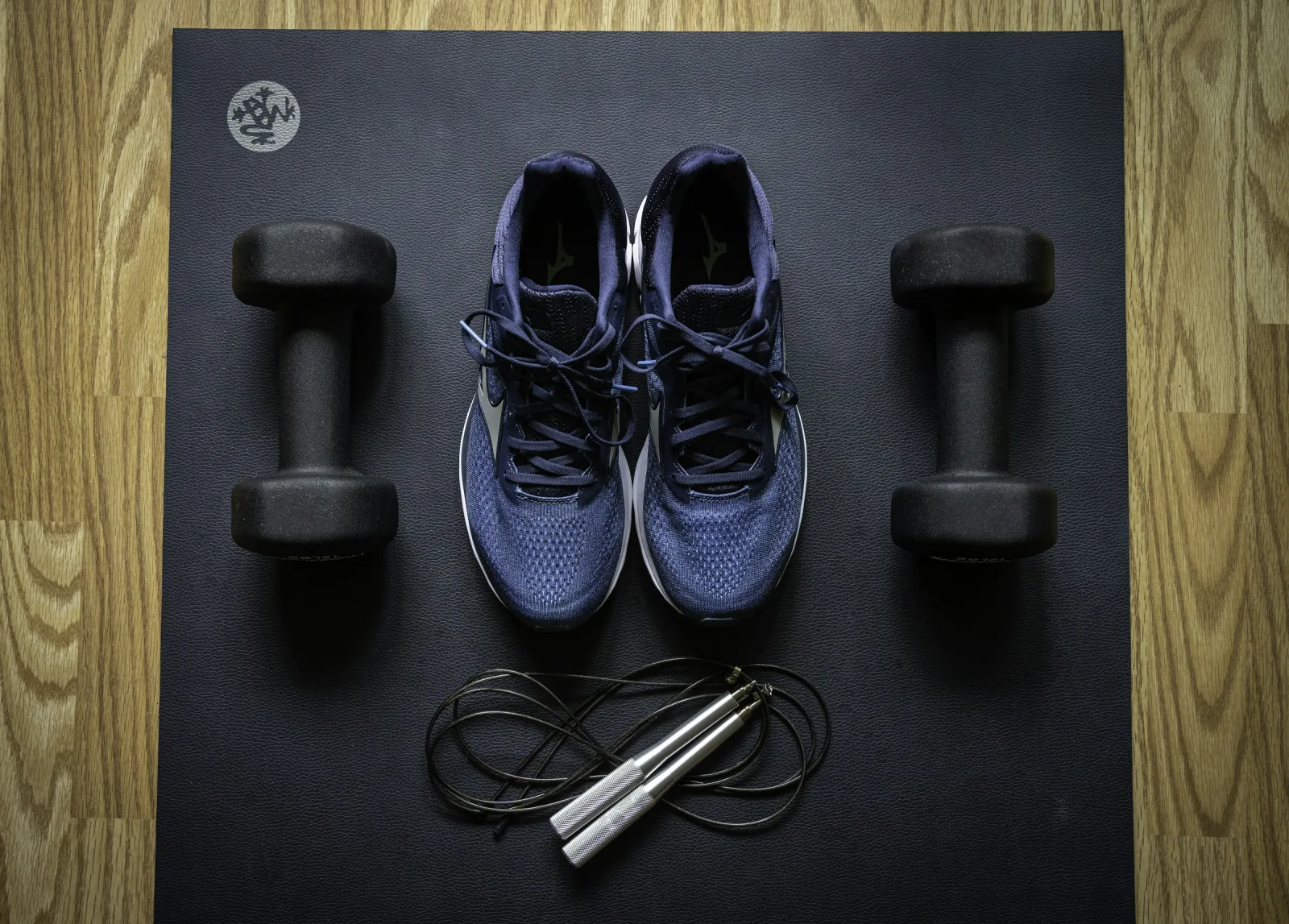
You can start with just your bodyweight. If you want to spend a little and gain a lot of options, the usual order is: resistance bands, a pair of adjustable dumbbells, a doorway pull-up bar and, if you have the space, a bench. Start with what fits your budget and your space: a bulky home gym you never use is worth less than a pair of bands you use every day.
With dumbbells and a pull-up bar you can cover almost every movement pattern: push, pull, squat, hip hinge and arm work. When you build your routine in Symmetry, you tell it what equipment you have and it only picks exercises you can do with it.
What does a solid gym workout plan look like?
If you train at a gym, the app makes use of barbells, dumbbells, cables and machines. It prioritizes compound lifts and adds isolation work on top for complete development. Compound lifts let you move the most weight and train several muscles at once, while machines and cables make it easy to add targeted volume for a lagging muscle without extra fatigue on your lower back or joints.
- Barbell lifts: squat, bench press, deadlift
- Dumbbell and cable work
- Machines to isolate each muscle
- A weekly split built around the days you have
Can you mix home and gym workouts?
Yes, and it's a good setup if you hit the gym two days a week and train at home the rest. The key is making the sessions complement each other: use the gym for what you can't load well at home (heavy legs, machine back work) and keep dumbbell work, push-ups and arms for home.
The free plan in Symmetry lets you keep up to 4 routines, so you can save one for home and one for the gym and pick each day. Everything goes into the same history, so your volume per muscle and your strength charts stay in one place, wherever you train. If you can't make it to the gym one day, open your home routine instead and you don't lose the session: your weekly consistency stays intact.
How do you track progress wherever you train?
By logging every set. If you don't record weight, reps and effort, you can't tell whether you're progressing, especially when you switch locations and exercises. In Symmetry you can also log RPE for each set to measure how hard it felt.
On top of that, the app gives you a rank per exercise, per muscle and overall, from Iron to Symmetric, adjusted for your bodyweight. It works the same for push-ups at home as for the bench press at the gym, so you always know where you stand. If you want to see physical change, you can also log body measurements and progress photos and compare them across dates, which helps at home where you don't always have a gym mirror.
How does Symmetry build your plan around where you train?
When you create your routine you tell the app your level, how many days you train and what equipment you have. It then picks only exercises you can do there, spreads your volume per muscle across the week, and gives you an equivalent alternative if you are missing a machine or accessory. Every exercise comes with a step-by-step technique tutorial.
If your situation changes, say you're traveling or taking a few weeks off the gym, you can create another routine with the new equipment without losing your history or your ranks.
What Symmetry adapts to your equipment
- 01
Exercise selection
Only exercises you can do with the equipment you list.
- 02
Alternatives
If you're missing a machine, the app offers an equivalent exercise.
- 03
Progression
Progressive overload adapts to limited weights by adding reps.
- 04
Weekly volume
Your sets per muscle stay balanced even when you change location.
The exercises, step by step
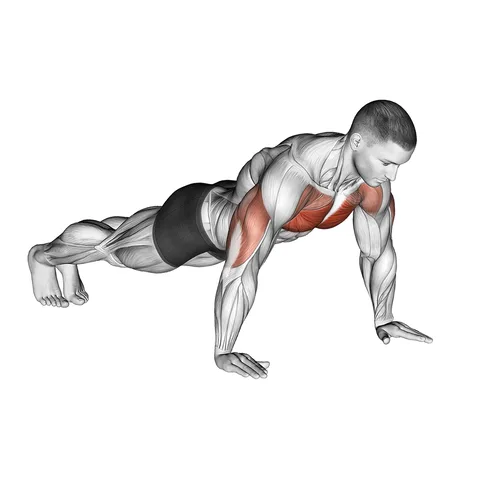 Push-upsChest, shoulders and triceps with no equipment, anywhere.
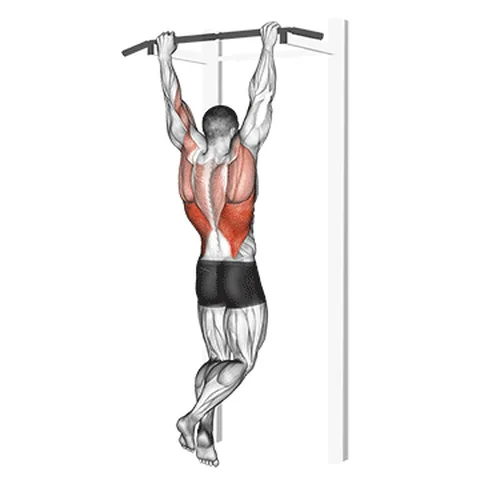 Pull-ups (pronated grip)With a bar at home, your back doesn't depend on the gym.
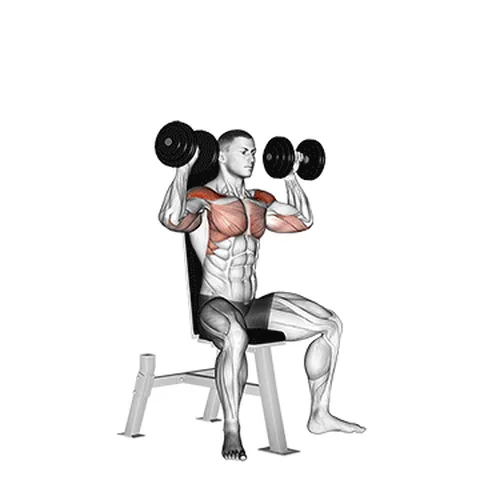 Dumbbell shoulder pressWith a pair of adjustable dumbbells it works just as well at home.
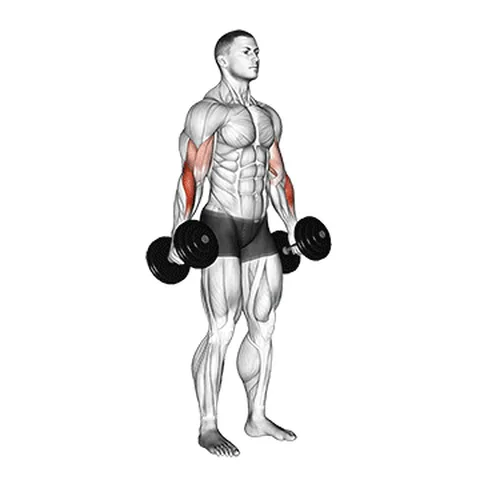 Dumbbell hammer curlBiceps and forearms with the same pair of dumbbells.
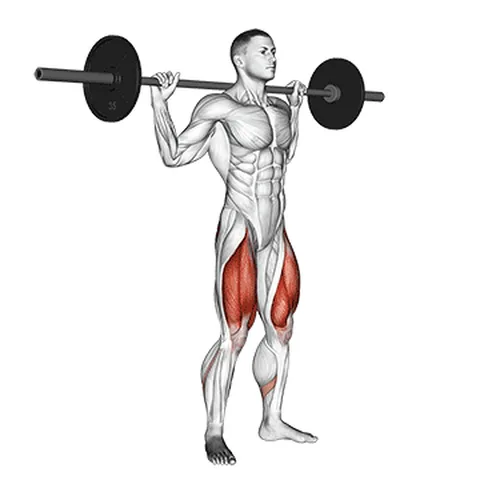 High bar squatThe leg staple when you train at the gym.
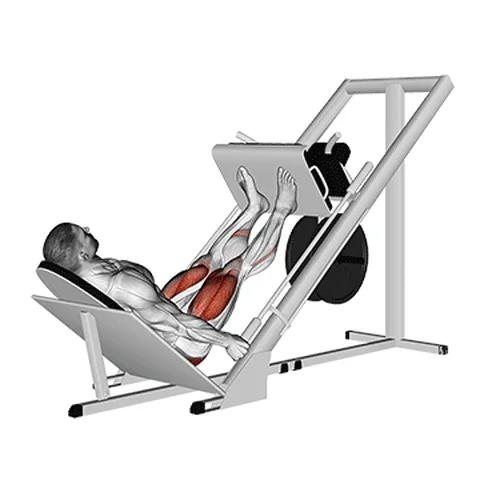 45-degree leg pressThe machine alternative to the squat at the gym.
Technique, muscles and alternatives for each one in the exercise library.