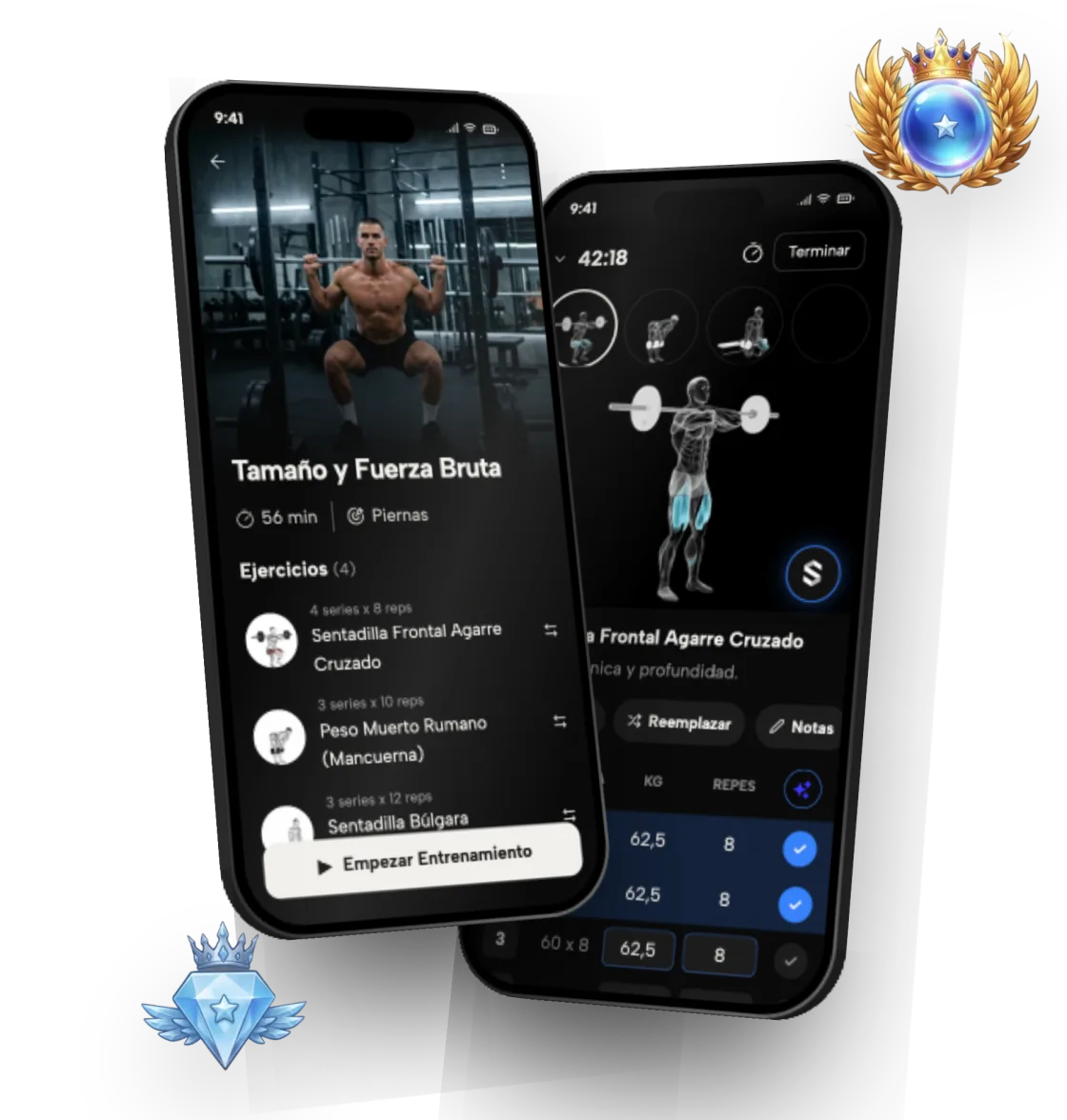
Workout tracker: log every session and see your progress

Symmetry saves every workout, with its sets, reps and weights, and turns it into progress charts. So you know what you did last week and how much to do today to keep improving.

Symmetry teamUpdated 2 min read

On this page
  1. 1Why track your workouts
  2. 2What you can see in the app
  3. 3Ranks: your progress, compared fairly
  4. 4No spreadsheets
  5. 5What Symmetry tracks

Why track your workouts

Without a reliable log it's easy to lose count of how much you lifted or how many sets you did. And without that information you can't apply progressive overload properly: doing a little more than last time.

Symmetry saves every session automatically and uses that history to work out the next one. No guessing, and no notebook.

What you can see in the app

Your log doesn't stay a list of numbers. The app organizes it so you can see whether you're progressing, and where.

  • How your strength has moved on each exercise over time
  • Effective sets per muscle group each week
  • Streaks that reward consistency
  • Personal records (PRs), detected automatically

Ranks: your progress, compared fairly

On top of the charts, Symmetry gives you a rank for each exercise, each muscle, each muscle group and overall, calculated relative to your bodyweight. It's a simple way to see where you stand and what you need to move up.

No spreadsheets

Logging a set takes seconds. The app works out the progression, so all you have to do is show up at the gym and follow the plan.

That's the difference from a plain digital notebook: Symmetry doesn't just store what you did, it uses that history to recommend how much to lift next session.

What Symmetry tracks

  1. 01

    Strength trend

    How your weights have gone up on each exercise.

  2. 02

    Volume per muscle group

    How many effective sets you do for each muscle every week.

  3. 03

    Streaks and consistency

    A streak system that helps you keep the habit.

  4. 04

    Personal records

    The app spots your best lifts so you can celebrate every step forward.

Frequently asked questions

What's a good app to log gym workouts?

Symmetry logs the exercises, sets, reps and weights of every session and, unlike a simple digital notebook, uses that history to recommend the load for your next one.

How do I know if I'm making progress at the gym?

The clearest sign is that, with good technique, you can move more weight or do more reps than a few weeks ago. Symmetry's strength charts and personal records show you that without having to calculate anything.

Can I see volume per muscle group?

Yes. The app counts effective sets per muscle group each week, so you know if a muscle is falling behind.

What are Symmetry ranks?

They measure your level per exercise, per muscle, per muscle group and overall, adjusted to your bodyweight. There are 9 ranks, each with its own divisions.

How does Symmetry help me keep progressing?

Through automatic progressive overload. Based on what you did in previous sessions, the app works out how much weight or how many reps you should do to keep improving. A streak and statistics system helps you stay consistent.

Is Symmetry free?

Yes. It's a free download on iPhone and Android, and building personalized routines and logging workouts are available at no cost.

Is it available for iPhone and Android?

Yes. Symmetry is a free download on both the App Store (iPhone) and Google Play (Android).

Start today with Symmetry

Free on iOS and Android. Build your custom workout plan in under a minute.

Get it on Google PlayDownload on the App Store
The Symmetry app with a workout plan and set logging

Keep reading

More topics in our guides, in how ranks work and in the FAQ.

Compare gym apps