Guides

How to train with Symmetry: how a custom workout plan is built, how muscle is gained, how progress is tracked and how to train at home or at the gym.

They are for anyone who trains, at the gym or at home: beginners who want a structured plan, lifters who want to fine-tune progression and volume, and anyone after muscle, strength or a better body composition. Each guide covers one topic and how Symmetry handles it.

4.8 rating · more than 3 million downloads

Get it on Google PlayDownload on the App Store
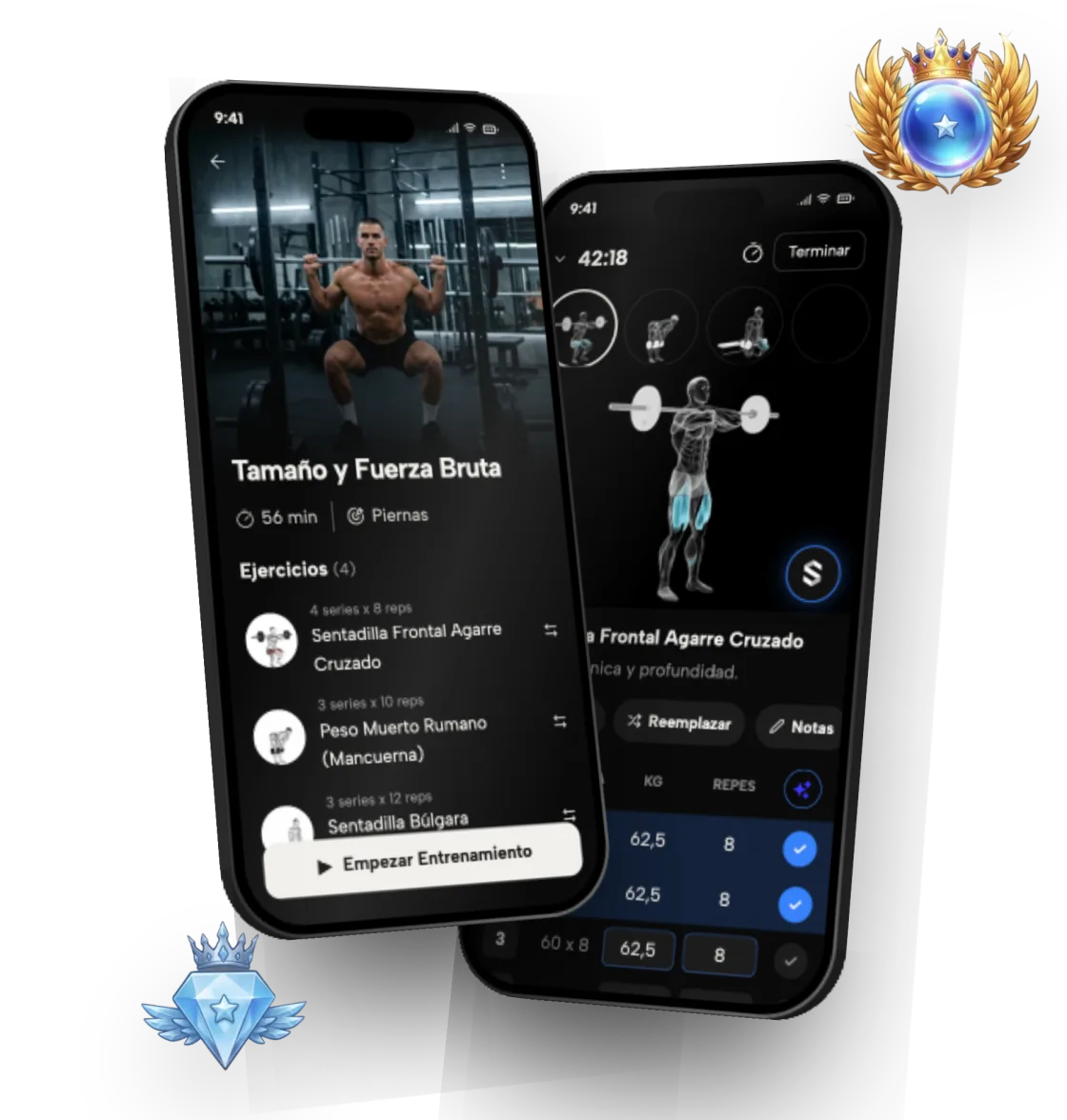
The Symmetry app: a workout preview and a guided workout, with two rank badges

All topics

Gym workout appSymmetry is a gym workout app for iOS and Android that builds your routine, tells you how much weight to lift on every set and logs your workouts so you get stronger week after week. More than 3 million downloads (as of September 2026) and a 4.8 rating on the App Store and Google Play (as of October 2026). The download is free, and building your plan takes less than a minute.Custom workout plansSymmetry builds a custom workout plan around your experience, your goal and the days you can train. No hunting for templates, no making it up as you go, and the weights are already worked out for you. You start by answering a few questions: how long you've been training, what you want to achieve, how many days a week you can get to the gym and what equipment you have.Workout trackingSymmetry saves every workout, with its sets, reps and weights, and turns it into progress charts. So you know what you did last week and how much to do today to keep improving. Without a reliable log it's easy to lose count of how much you lifted or how many sets you did.HypertrophySymmetry applies research-backed hypertrophy principles to help you build muscle effectively and sustainably, with a training plan that adjusts to you. Hypertrophy rests on three pillars: enough mechanical stimulus, consistent progression and adequate recovery. If one of them is missing, progress slows down.Home vs gym workoutsSymmetry builds workout plans that adapt to where you train: a fully equipped gym, your home with minimal equipment, or a mix of both. If you train at a gym, the app makes use of barbells, dumbbells, cables and machines. It prioritizes compound lifts and adds isolation work on top for complete development.Exercise libraryHow to do the most trained exercises in Symmetry: step-by-step technique, muscles worked and alternatives.Rank systemSymmetry's 9 ranks, their divisions and how your level is worked out per exercise, per muscle and overall.ComparisonsSymmetry vs Hevy, Strong and Fitbod, and rankings of the best gym apps.FAQQuick answers about the app, workout plans, devices and support.

Frequently asked questions

Who are these guides for?

For people of any level who train at the gym, at home or with mixed equipment: beginners who want to start with a structured plan, intermediate lifters who want to optimize progression and volume, and anyone focused on hypertrophy, strength or body composition.

What are they based on?

On research-backed hypertrophy principles, with references such as Brad Schoenfeld, Chris Beardsley, Eneko Baz, Jeff Nippard and Mike Israetel: volume per muscle group, relative intensity, frequency and sustainable progression.

Do I need the app to apply them?

The guides explain the principles and how Symmetry applies them. The app is free on iOS and Android: it builds your plan from your experience, goal, days and equipment, works out the weight for each set and logs every session.

Do they work if I train at home?

Yes. Symmetry builds plans that fit where you train: a full gym, your home with little equipment, or a mix of both. The "Home vs gym workouts" guide covers it in detail.

Start today with Symmetry

Free on iOS and Android. Build your custom workout plan in under a minute.

Get it on Google PlayDownload on the App Store
The Symmetry app with a workout plan and set logging